
Release time:2025-12-17 Browsed0 order
Method 1: The wifi module works in AP mode, and the smart terminal (mobile phone/tablet) directly accesses the network provided
by the wifi module to realize wireless control in the same hotspot network.
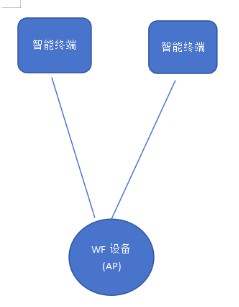
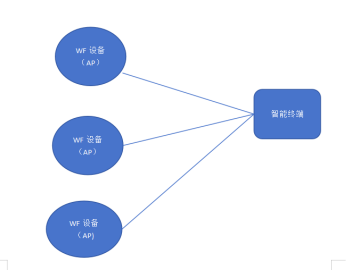
In the AP mode where the wifi module works (i.e., the hotspot mode), one side of the smart device that can be accessed is restricted.
Therefore, a smart terminal cannot connect to multiple WF devices at the same time at a unified moment
Method 2
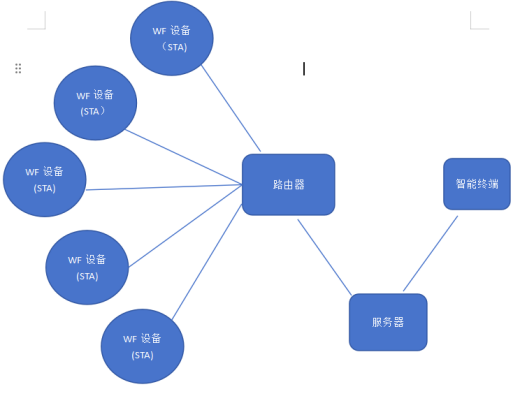
The wifi module runs in sta mode, the smart terminal and the wifi module run in the network environment provided by the router,
and the data is transmitted through the router to realize the wireless control of the LAN.

The WiFi module works in STA (Station) mode and sends data through the wireless router. The MAC address of the WiFi module
is bound to the service, which means that the router can recognize and communicate with the WiFi module. In this way, you can
use your phone's 2G, 3G, 4G network or other WiFi networks to control the system.
In this system, the wireless router acts as a central control center and is responsible for receiving data from the WiFi module and
transmitting it to the phone or other network.